Description:
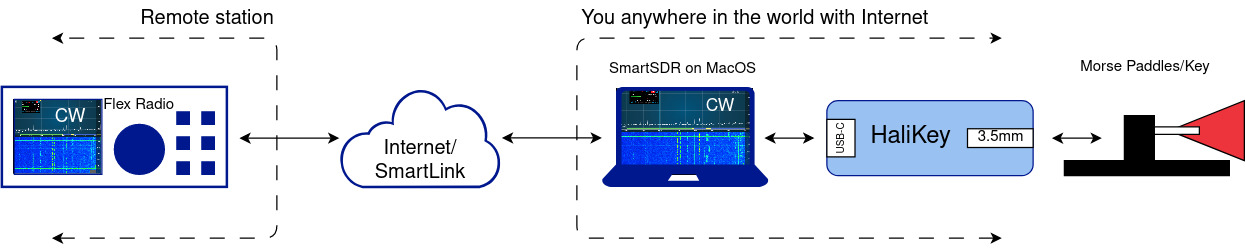
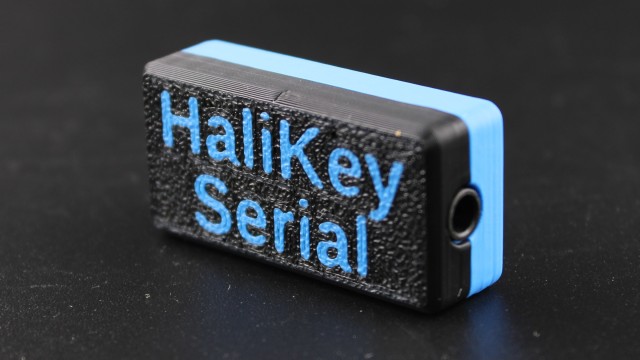
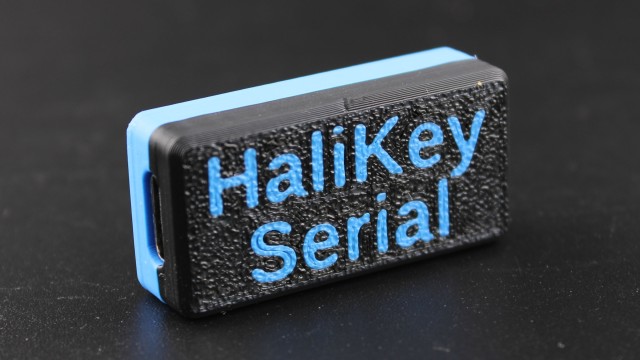
HaliKey is an adapter that allows you to operate morse code with your favorite paddles, or to have a physical PTT switch, while operating at a remote station:
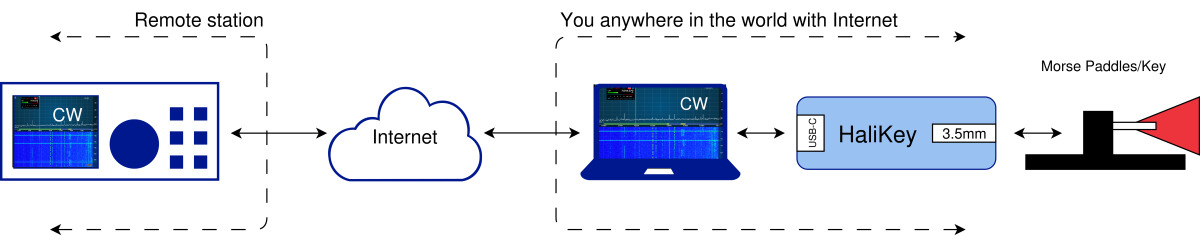
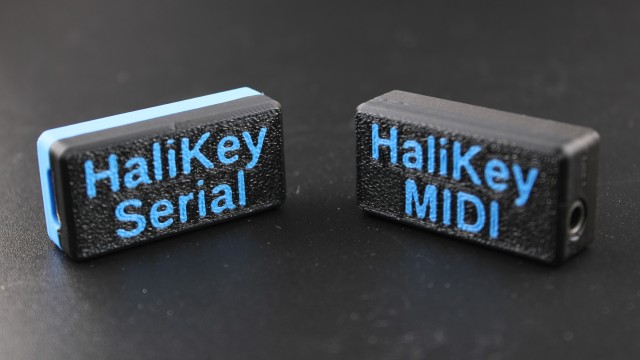
HaliKey is available in two variants:
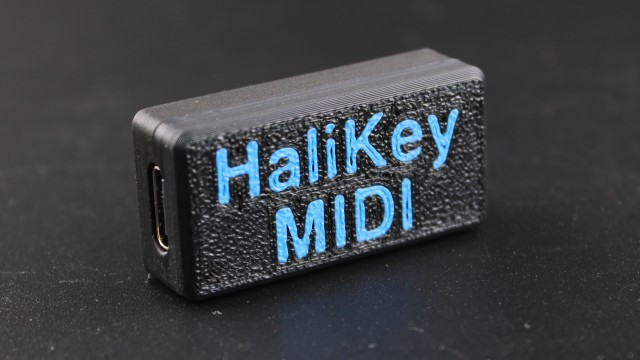
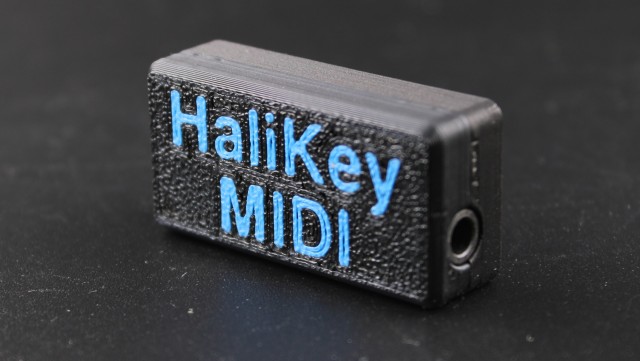
- HaliKey MIDI is designed to work with radio control software that uses MIDI events to trigger radio button presses, such as NetKeyer, the various Ham Radio Apps for MacOS and iOS by Marcus DL8MRE and Jan Roskosch, Remote Ham Radio, and others.
- HaliKey Serial is designed to work with radio control software that uses serial port flow control signals (CTS/RTS and DTS/DSR) to trigger radio button presses, such as SmartSDR for Windows.
Here’s a table of the applications I know about, and which ones support which HaliKeys:
| Software: | OS Platform | Radio Platform | HaliKey MIDI | HaliKey Serial |
| Flex Radio SmartSDR | Windows | Flex | No. Use NetKeyer instead. | PTT Only. Use NetKeyer for Morse. |
| PocketSDR (Google Play, or Amazon Appstore) | Android | Flex | Yes | No |
| SmartSDR | MacOS, iOS | Flex | Yes | Yes (MacOS only) |
| SDR-Control | MacOS, iOS | Icom | Yes | Yes (MacOS only) |
| K4-Control | MacOS, iOS | Elecraft | Yes | Yes (MacOS only) |
| YT-Control | MacOS, iOS | Yaesu | Yes | Yes (MacOS only) |
| TS-Control | MacOS, iOS | Kenwood | Yes | Yes (MacOS only) |
| NetKeyer | Win, MacOS, Linux, Raspberry Pi | Flex | Yes | Yes |
| AetherSDR | Win, MacOS, Linux | Flex | Yes | No |
| Remote Ham Radio | Web Browser | Proprietary radio network | Yes | No |
| Software Defined Connectors (SDC) | Win, MacOS | All. Radio agnostic. | Yes | Yes |
| QK4 | Win, MacOS, Raspberry Pi | Elecraft | Yes | Yes |
| iShareRadio | Win, MacOS, Linux, Raspberry Pi | Flex | Yes, with NetKeyer | Yes, with NetKeyer |
| CW Simon | Web Browser | CW Training | No | Yes (Chrome and Edge only) |
| Morse-It | iOS | CW Training | Yes | No |
| Morse Mastery | Web Browser | CW Training | No (In progress?) | Yes (Chrome and Edge only) |
If you know of any software that should be added to this table, please Contact Us to let us know.
Documentation
The HaliKey User Guide covers both HaliKey MIDI and HaliKey Serial.
Update Firmware for HaliKey MIDI
A web-based firmware flasher tool for HaliKey MIDI is at: https://electronics.halibut.com/halikey-flasher/ . (HaliKey Serial doesn’t have firmware to upgrade, so no flasher tool is available for it.)

Reviews
There are no reviews yet.